How to Split an AIS Group: Book Family Members on Different US Visa Dates

When you sign up a couple of people — a family, a partner, a few coworkers — under a single AIS US visa account, the system treats them as one unit. By default that means a single appointment: same consulate, same date, same time. But there are plenty of situations where you’d rather not keep everyone locked together. Maybe one person stumbled onto a much earlier slot, maybe someone can’t make the shared date, or maybe you just want to handle each applicant on their own going forward.
AIS doesn’t give you a big “split this group” button, which throws a lot of people off. The capability is there, though — it’s just hidden inside the Reschedule Appointment screen. You separate people by rescheduling only the ones you want to move.
Key point: You split a group by rescheduling a subset of its members. Tick only the applicants you want to peel off, give them their own appointment, and they become an independent group. Better still, the split itself doesn’t eat into your limited reschedules.
When splitting a group makes sense
- One member found a significantly earlier date and wants to grab it while everyone else keeps the original.
- Someone can no longer attend the shared date and needs their own.
- You want different people interviewing at different times — or even different locations.
- You’d simply prefer to manage each applicant’s appointment separately from now on.
A quick note for families: if you’re applying as a household, it’s usually better to attend the interview together. Families interviewed as a group tend to see a slightly higher approval rate. So split only when there’s a genuine reason — a real earlier slot for one person, an actual scheduling clash — not just for the sake of convenience.
Why splitting makes earlier dates much easier to catch
If your whole goal is moving up your date, splitting has a very practical payoff. Most openings are single-seat openings. Earlier appointments come from other applicants cancelling, and a cancellation usually frees up exactly one seat at one date and time.
Now think about a group of four. For all four to move together, you’d need four seats to open at the same date and time simultaneously — which is far rarer than a single seat appearing. Break the group into individuals (or smaller clusters) and each one only needs a single slot. Suddenly there’s a lot more for you to grab.
That’s the real trade-off: splitting makes earlier dates dramatically easier to land, but families generally interview better as a unit. Weigh which matters more for your situation.
Step by step: how to split applicants
You need an existing group appointment before you can split anyone off — the whole process works by rescheduling part of that group.
- Book one appointment for the entire group first. Everyone has to share a single scheduled appointment before a split is possible.
- Open Reschedule Appointment. Head to the rescheduling screen for that appointment.
- Select only the people you want to move. The reschedule screen lists each group member with a checkbox. Tick only the applicants you want to break out — leave everyone else unchecked.
- Pick a date and time for the selected applicants and confirm. The people you checked move to their own appointment; the unchecked people stay put on the original.
That’s the whole trick. Your one group is now two separate appointments, each managed on its own.
What happens after you split
- Each subgroup now holds its own appointment and can be rescheduled or managed independently.
- Need more separation? Just repeat the same steps on either subgroup to split further.
- The split itself costs nothing — but moving an appointment to chase an earlier date still uses a reschedule. Cancellations and reschedules share one small combined cap, and once you exhaust it the appointment locks. So after splitting, spend each subgroup’s reschedules carefully.
A few cautions before you confirm
- Double-check your selections. Make sure you’ve ticked exactly the applicants you intend to move — no extras, no omissions — before you hit confirm.
- Splitting is permanent. Once a group is split, you can’t merge those applicants back into a single appointment. Be certain first.
- Don’t hammer the pages. Aggressively refreshing appointment screens can get your account temporarily or even permanently restricted.
This is exactly where a careful approach pays off. With Alert Me ASAP, our monitoring runs at a controlled, safe request rate designed not to trigger AIS bans, and we only book appointments — we never change your password or email. So you can split your group and chase earlier dates without putting the account at risk.
Catching those single-seat openings automatically
Since splitting is all about grabbing single-seat cancellations the moment they appear, it helps to have something watching for you:
- Free Telegram alerts. Our Canada US visa alert channel pulls open dates from multiple sources and pushes them to you in real time — no password needed. It’s a great place to start.
- Chrome extension with auto-booking. Our US Visa tools log in for you, watch for earlier dates, and can auto-reschedule the instant a matching slot opens. Your credentials stay local in your own browser.
Got a tricky group situation? Reach out and we’ll point you in the right direction.
FAQ
Can I book different dates for different people in one AIS account? Yes. Book the whole group on one appointment first, then open Reschedule Appointment, tick only the applicants you want to move, and give them their own date. They become a separate group.
Does splitting a group use up one of my reschedules? No — the split itself doesn’t count against your limited reschedules. Rescheduling either subgroup later to chase an earlier date does count, though, since reschedules are capped.
Do I have to book everyone together before splitting? Yes. You need an existing group appointment first, because splitting works by rescheduling a subset of it.
Can I split a group into more than two? Yes. Just repeat the same steps on a subgroup to separate it further.
Should a family split up or interview together? For families, attending together is generally recommended — group interviews tend to have a slightly higher approval rate. Split only if one member genuinely needs a different date.
Can I merge a split group back together? No. Splitting is one-way. Once applicants are moved to separate appointments, you can’t recombine them, so split only when you’re sure.
Will splitting affect the others’ appointment? No. Only the applicants you select are moved. The unchecked applicants keep the original appointment exactly as it was.
Stop refreshing. Let Alert Me ASAP watch for you.
We monitor US visa appointment slots 24/7 and alert you the instant an earlier date opens — through our free Telegram channel and Chrome extension that can auto-book for you.
Keep reading
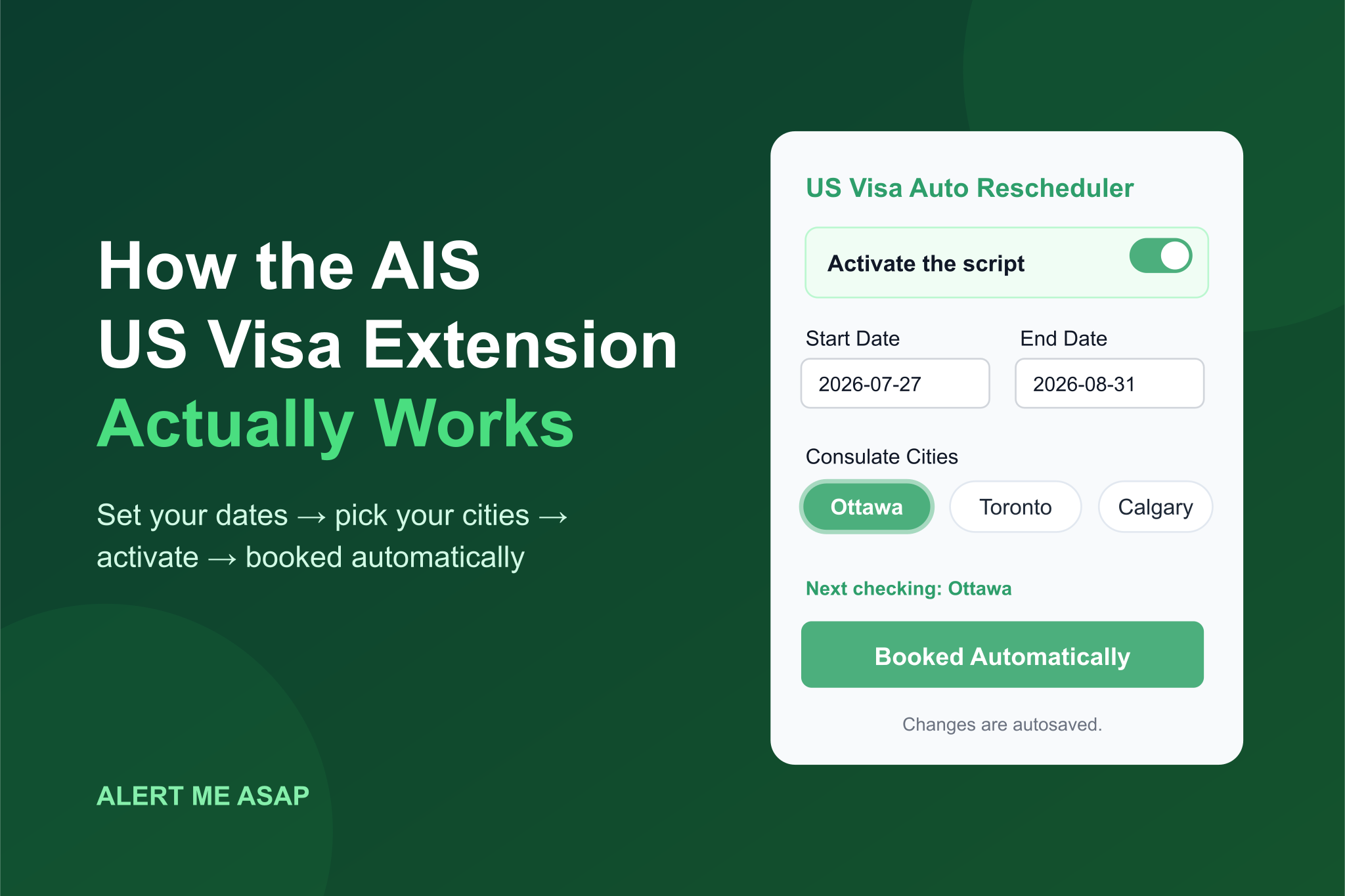
How the AIS US Visa Extension Works (Explained Simply, With Infographic)
A plain-English walkthrough of the AIS US visa auto-booking extension: what every setting means, what happens when you switch it on, and how it grabs an earlier interview date for you — with a step-by-step infographic.
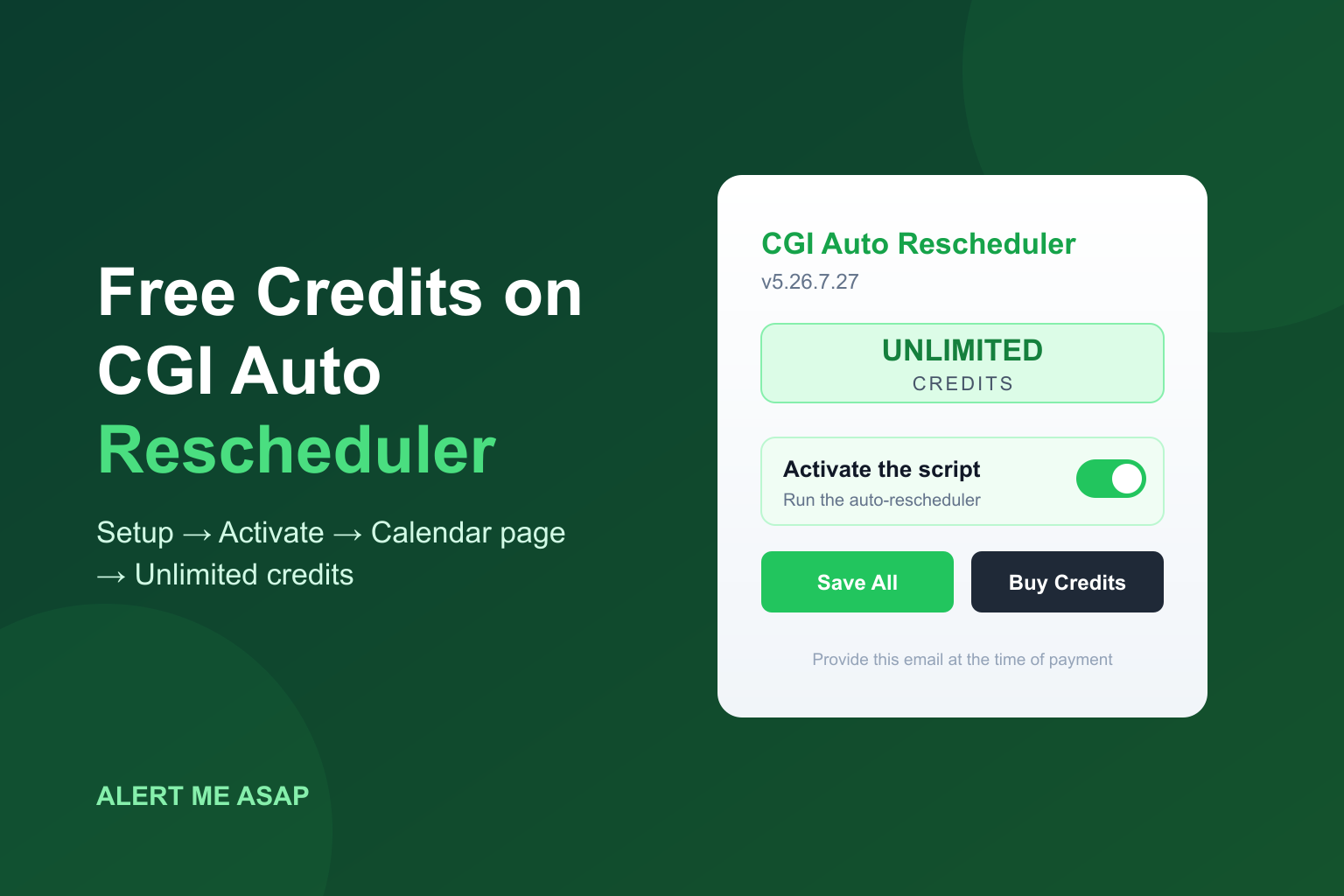
CGI Auto Rescheduler: How to Get Free Credits & Unlock Unlimited Credits
Just installed the CGI Auto Rescheduler extension and seeing 0 credits? Here's the full setup walkthrough — from pinning the extension to loading your free credits on the calendar page and upgrading to unlimited credits the right way.
'Invalid Email or Password' on US Visa AIS? 5 Causes and How to Fix Each
Stuck on 'Invalid email or password' when logging into AIS? Here are the 5 most common causes, how to fix them, and the one scam warning sign you can't ignore.